How to Reset your Clock
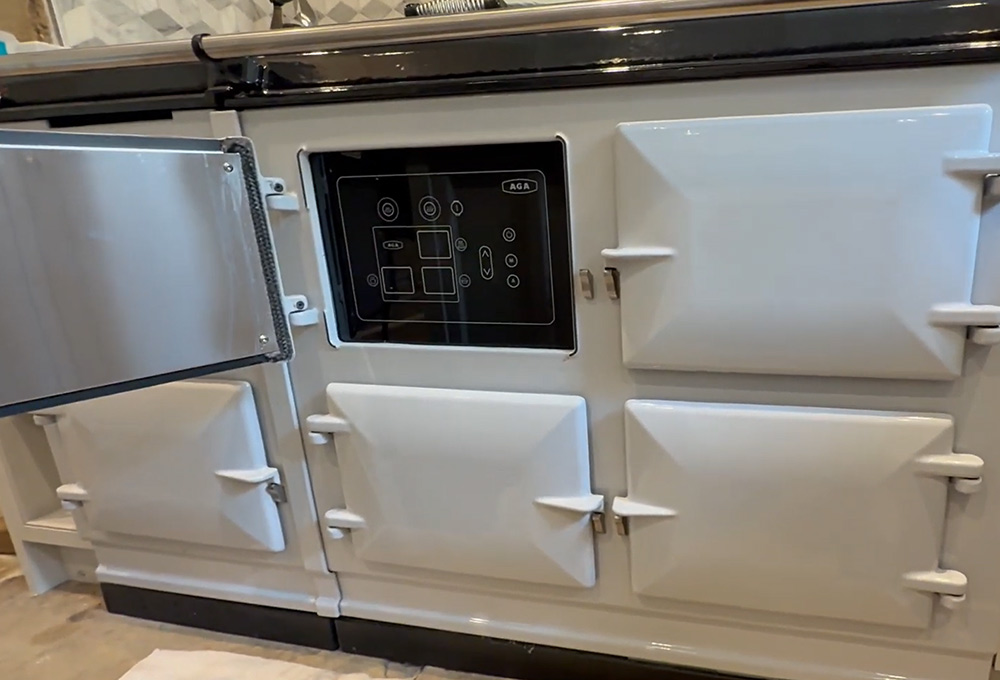
One of our most common enquiries at Six Counties is: my ovens aren’t working. The first thing we ask is to check your timer. Is it flashing ‘auto’? or with a flashing dot? If so then with most Rangemasters you will find that the oven or ovens aren’t working. This is because the are wired through your timer so in order for them to work the timer needs to be set. There are 3 timers out there.
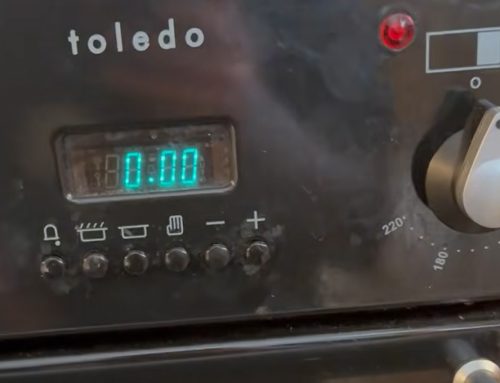
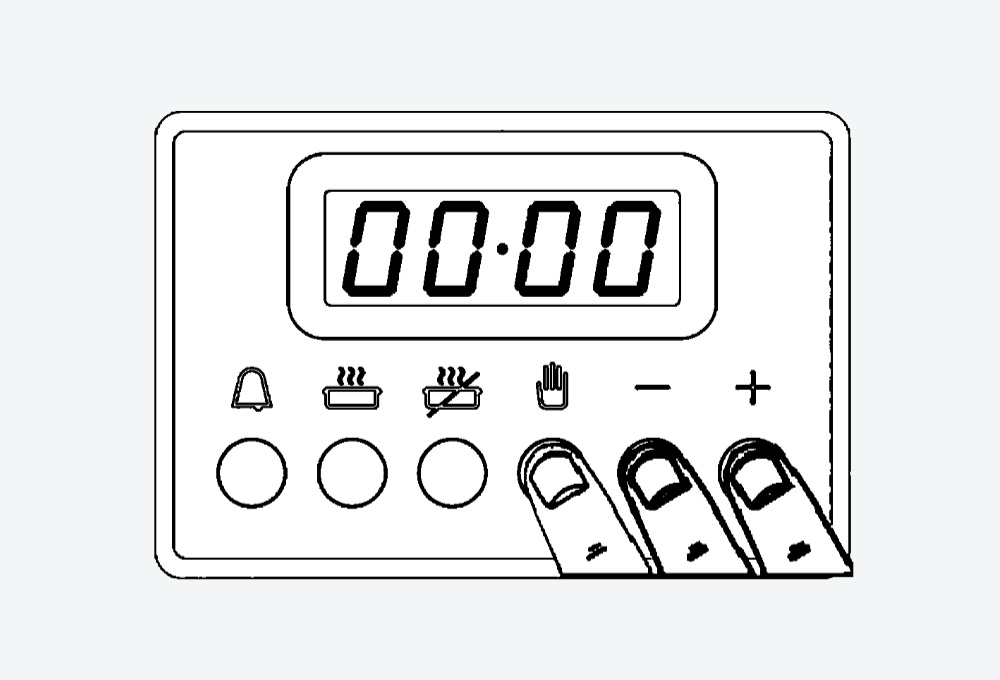
6 button timer – to reset:
Older models - hold the 2 left buttons in and adjust the time with one of the 2 right buttons (+ and -)
Newer Models – hold the hand button (third from the right) and adjust with the 2 right hand buttons (+ and -)
2 knob timer – to reset:
Rotate the left knob anti clockwise until it resists and then flick back to the 12 o clock position. You can then adjust the time with the right hand knob.
3 button timer – to reset:
Press the right button and left in together and let go. Then adjust accordingly with either right hand or left hand button.